Macintosh SE · 1987 · 8 MHz · 1 bit
Ask your Macintosh SE for anything.
HandWare 68k is an AI-native operating environment for a thirty-nine-year-old computer. Type what you want. A model on your home network designs it, a validator proves it safe, and the 68000 draws it in QuickDraw, over Wi-Fi, in one bit. Real Chicago. Real hardware. Old dog, new tricks.
Built in Jacksonville, Florida, on a real Mac SE with a BlueSCSI. Runs today. Source coming.
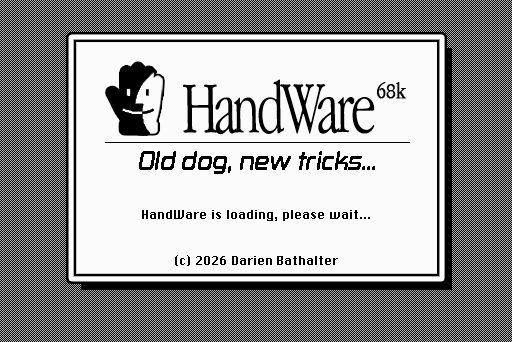
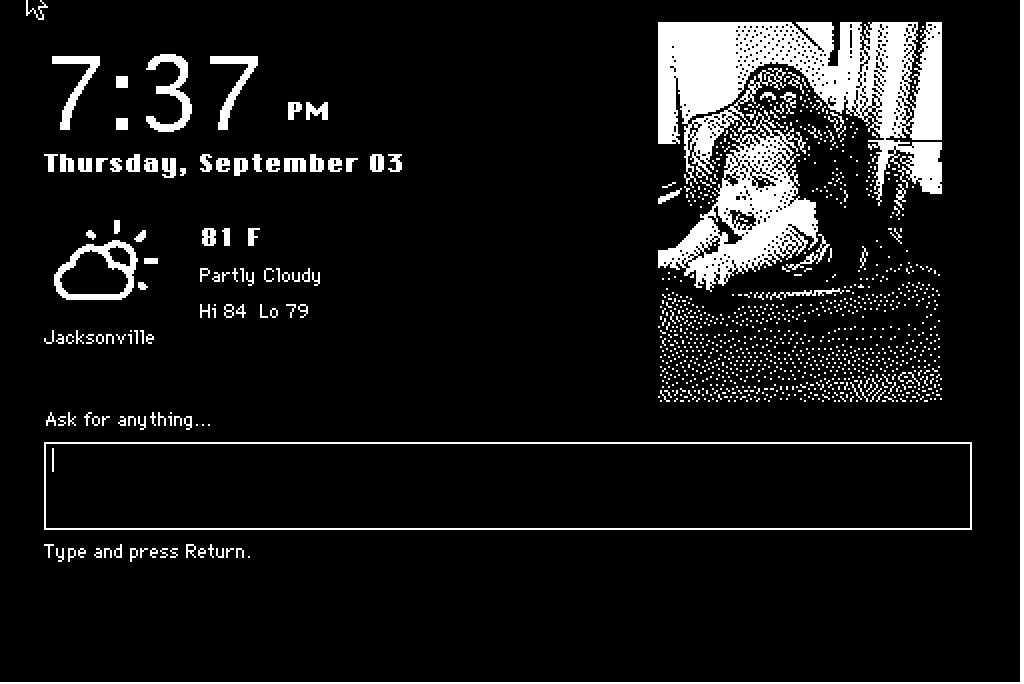
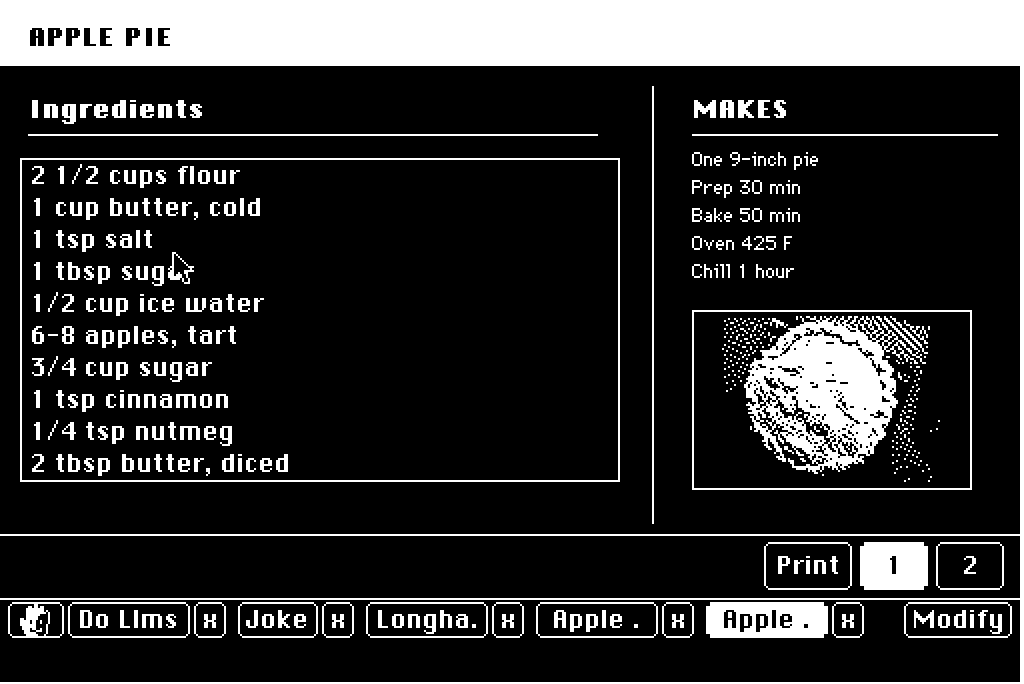
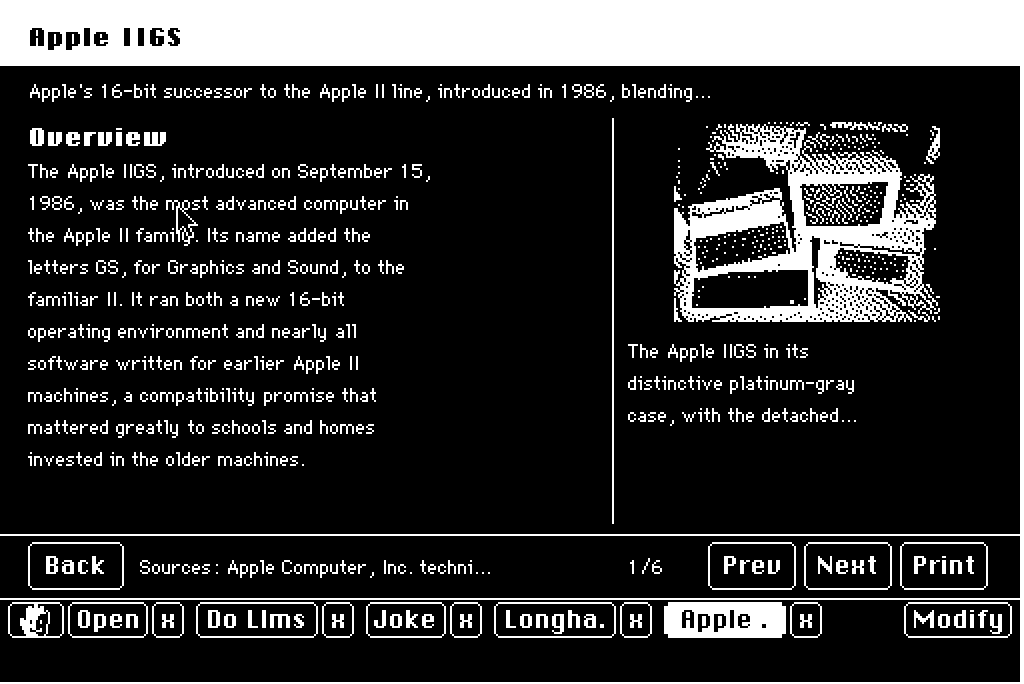
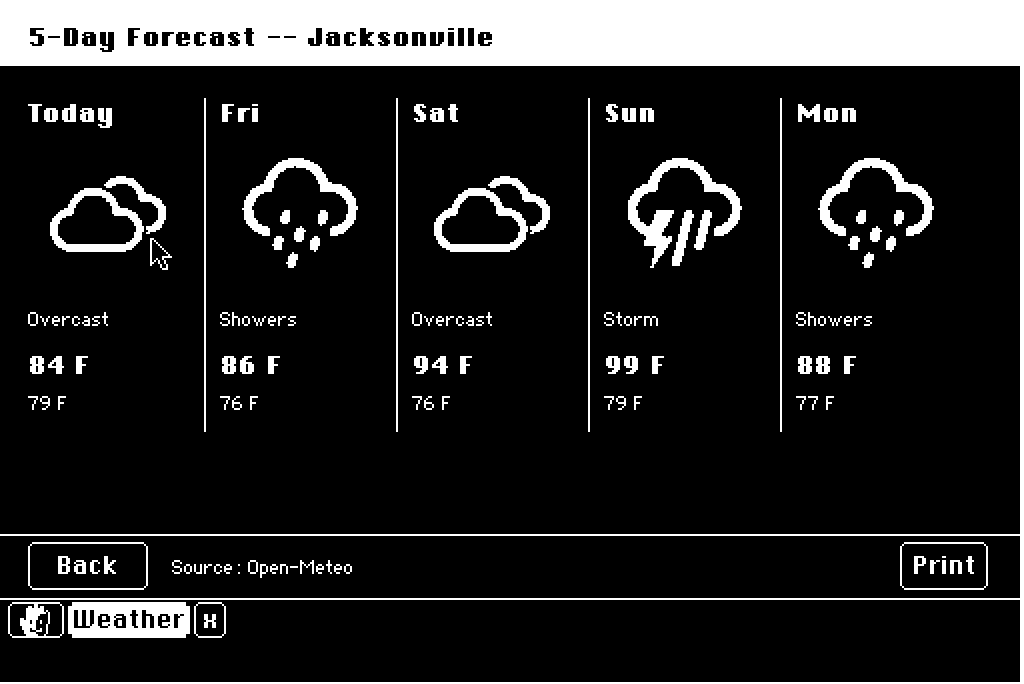
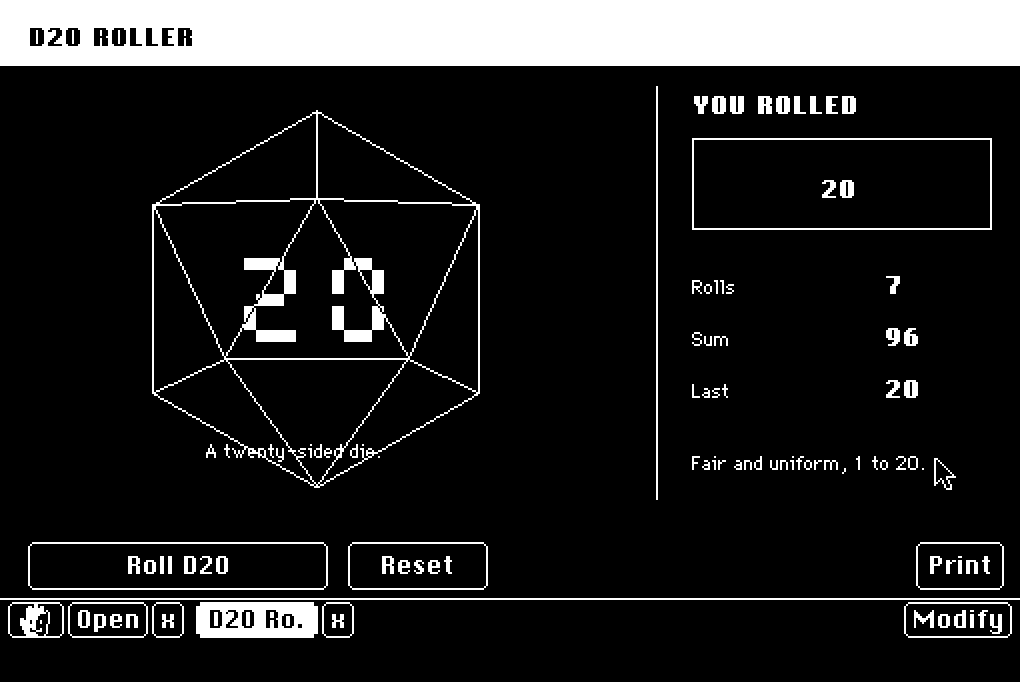
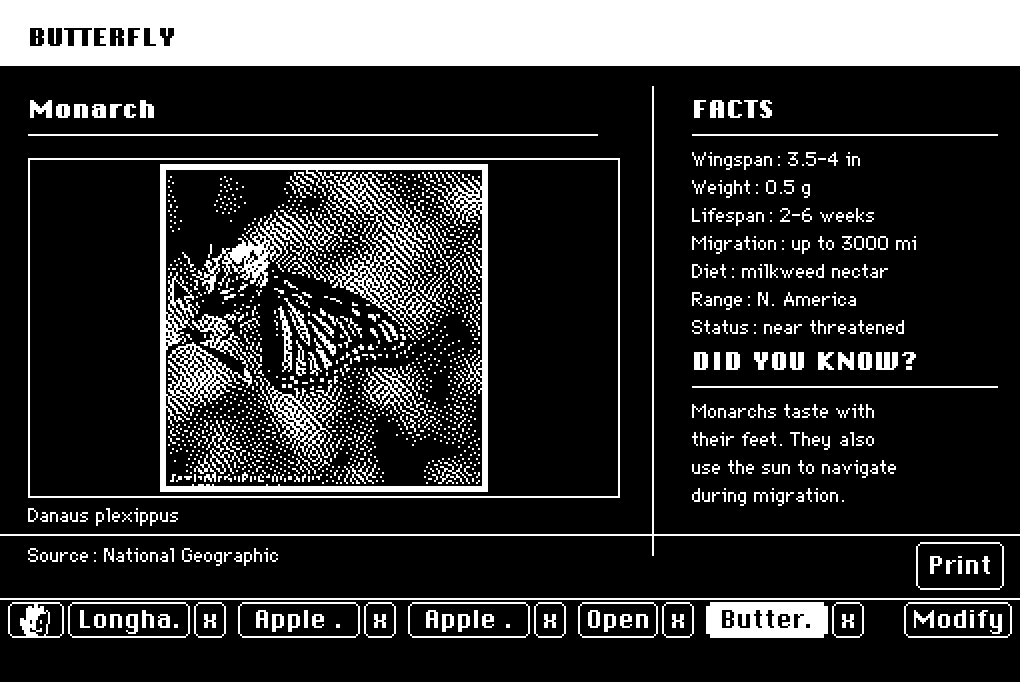
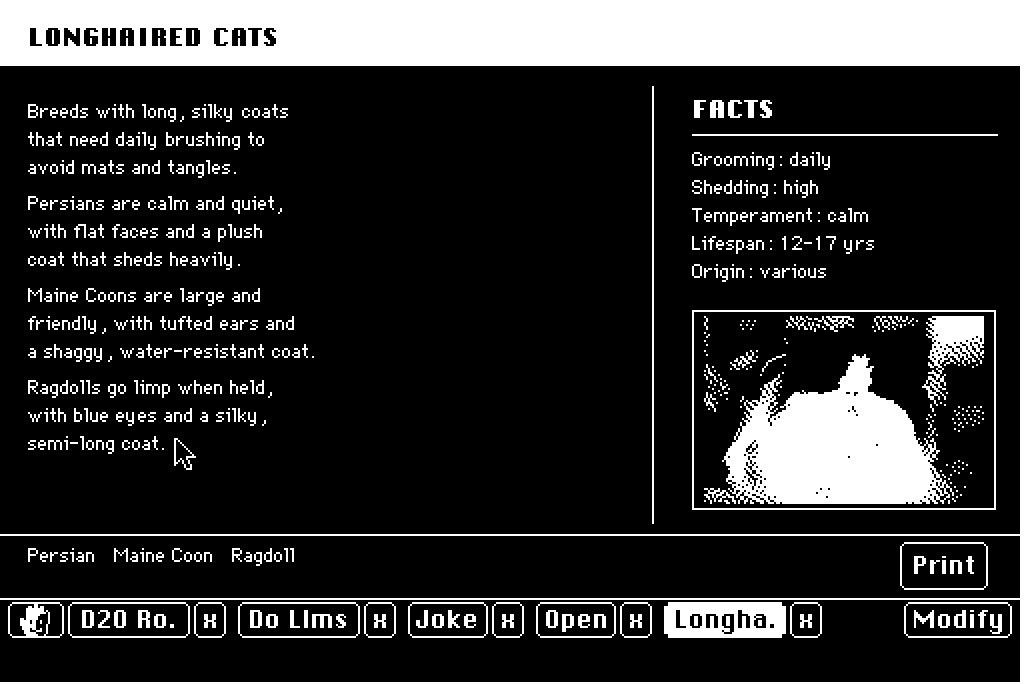
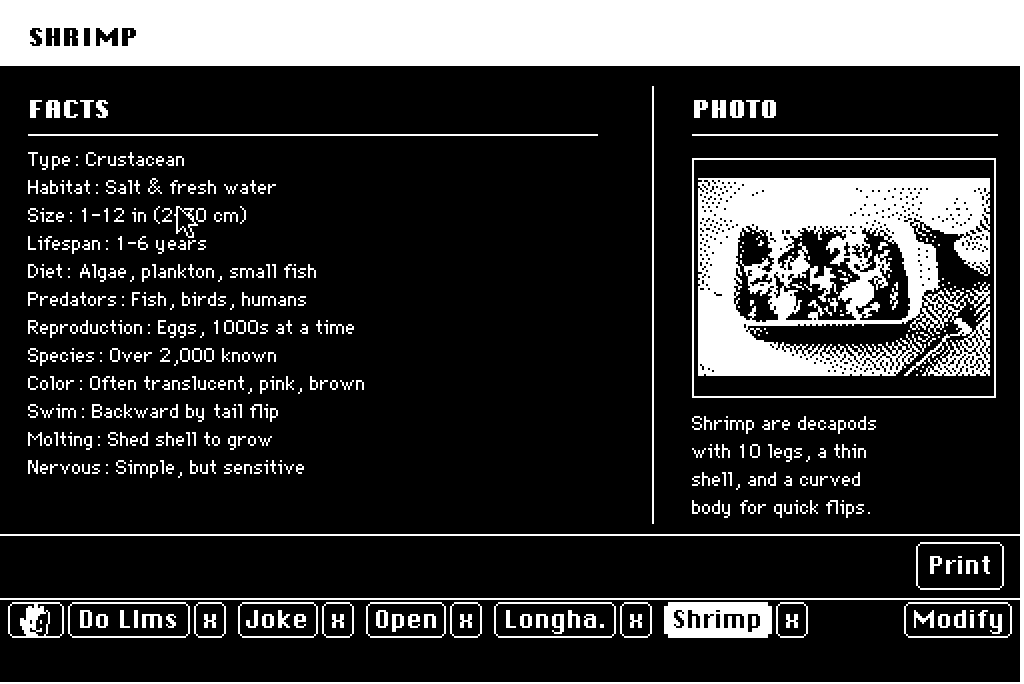
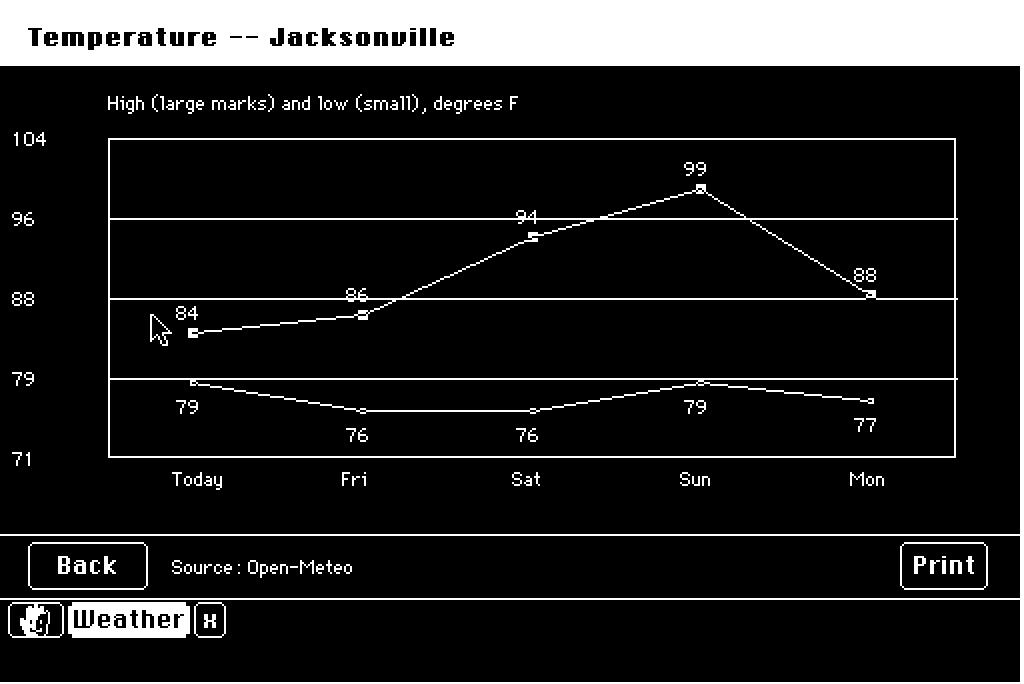
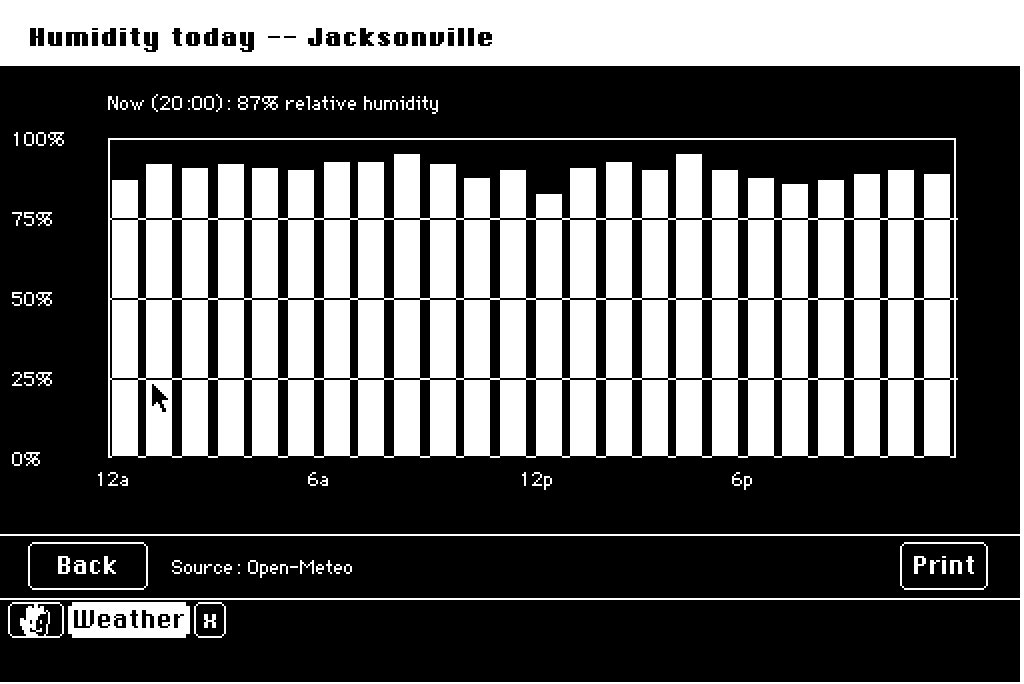
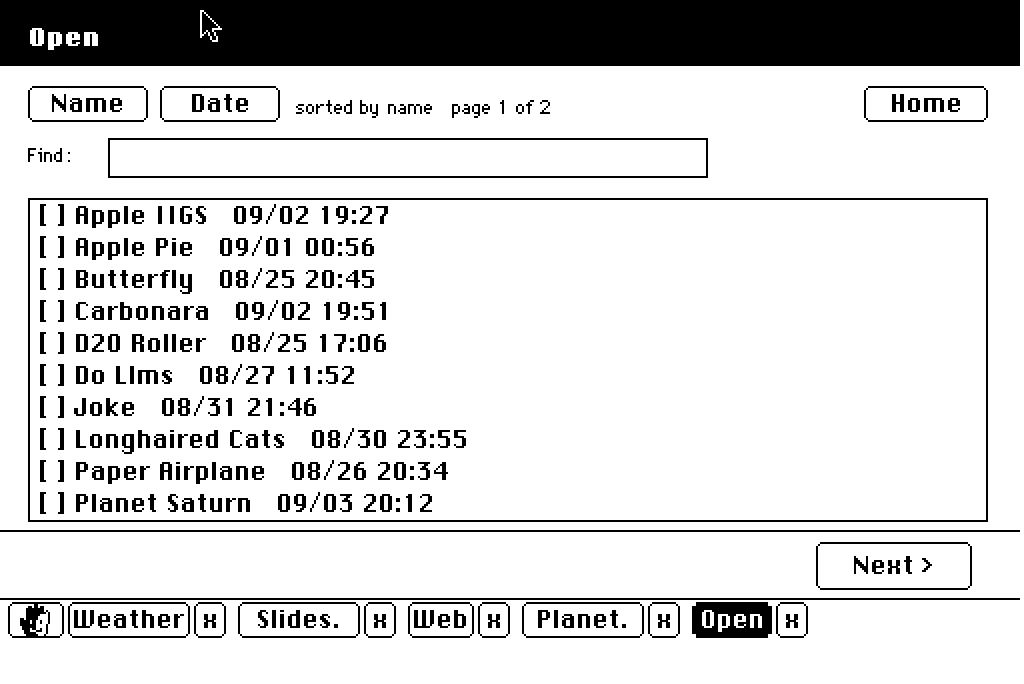
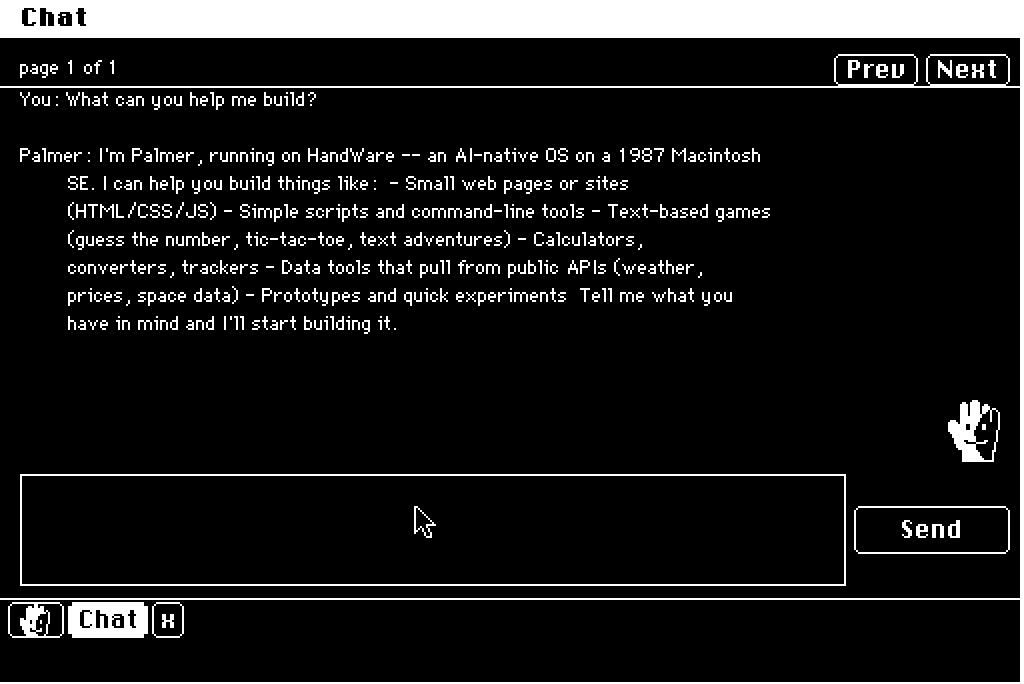
Every screen above is a real HandWare frame, decoded from the same bytes the SE receives. The splash is Darien's own.
Ask for anything
Type it. Get a Mac app.
There is no app store. There is a text field on the home screen. What you type goes to a model that writes a small program in HandWare's display-list language, clicks through it to make sure it works, and saves it to a shelf on the server. The SE opens it like any other window.
↵ Return
↵ Return
↵ Return
↵ Return
↵ Return
How it works
The SE learns exactly one thing.
How to draw a display list. Everything else is the server's problem.
Display lists, not pixels.
A screen of interface is a few hundred bytes of instructions: window here, text there, a button at 220,160. QuickDraw, sitting in the SE's ROM, does the drawing. A bitmap of the same screen is 21,888 bytes. Over BlueSCSI Wi-Fi that is the difference between hundreds of screens a second and a slideshow.
The AI is the compatibility layer.
Recipes, weather, Wikipedia, your music library. None of it was ported. The model composes a Macintosh interface for it, once, and saves the program to a shelf. Scripted apps run with no model in the loop. Exploratory pages ask the model for each screen. It picks the mode per request.
Nothing unproven touches the Mac.
A 68000 has no memory protection. A bad opcode is a bomb icon and a reboot. Every display list is validated on the server before it goes on the wire, and a failure sends nothing at all. The Mac trusts every byte it receives, because it can.
Gallery
Every page bespoke.
No templates. No slots. A blank 512 by 342 canvas, real Macintosh bitmap fonts with real metrics, and one frame per screen. Dark mode is white on black, the way a CRT wants it. Click any screen to see it at full size.
The browser
The web, at one bit.
Type a URL on the home screen and the SE opens the web.
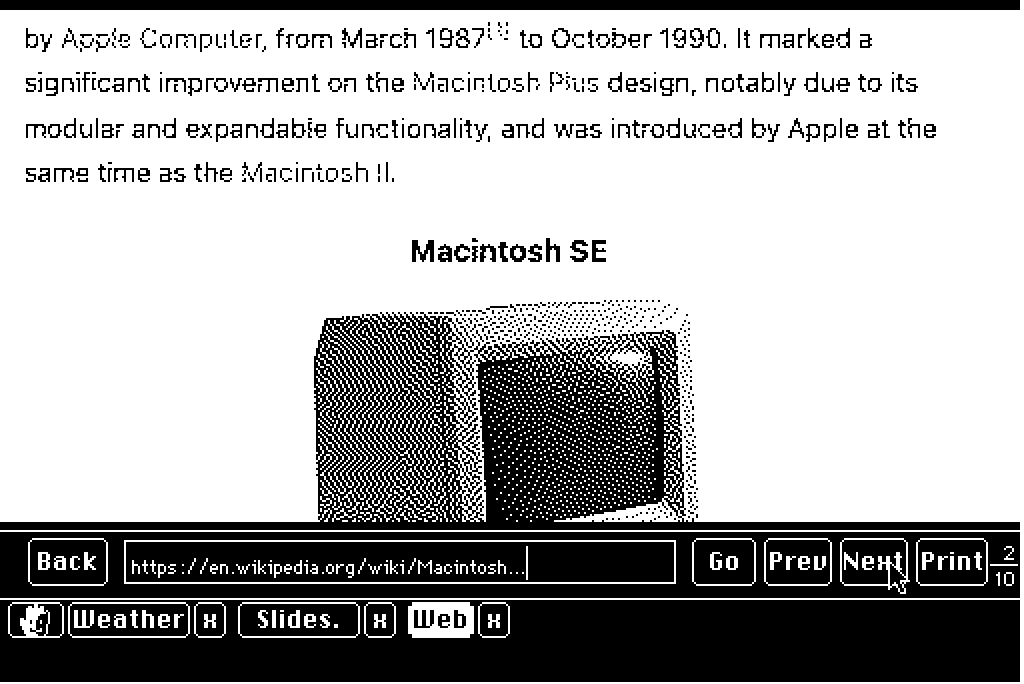
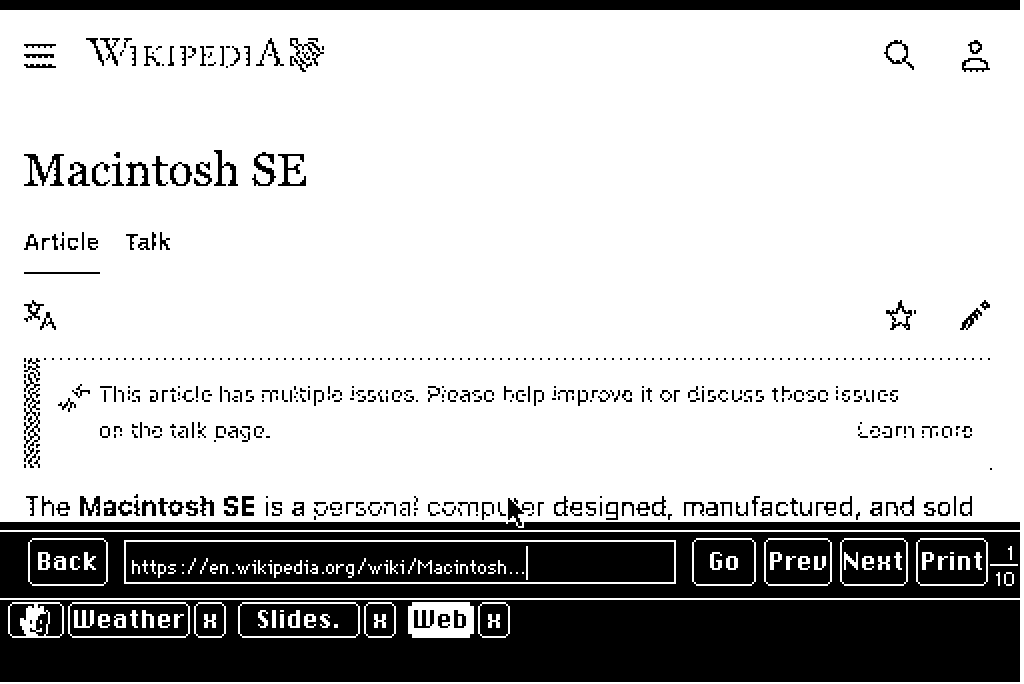
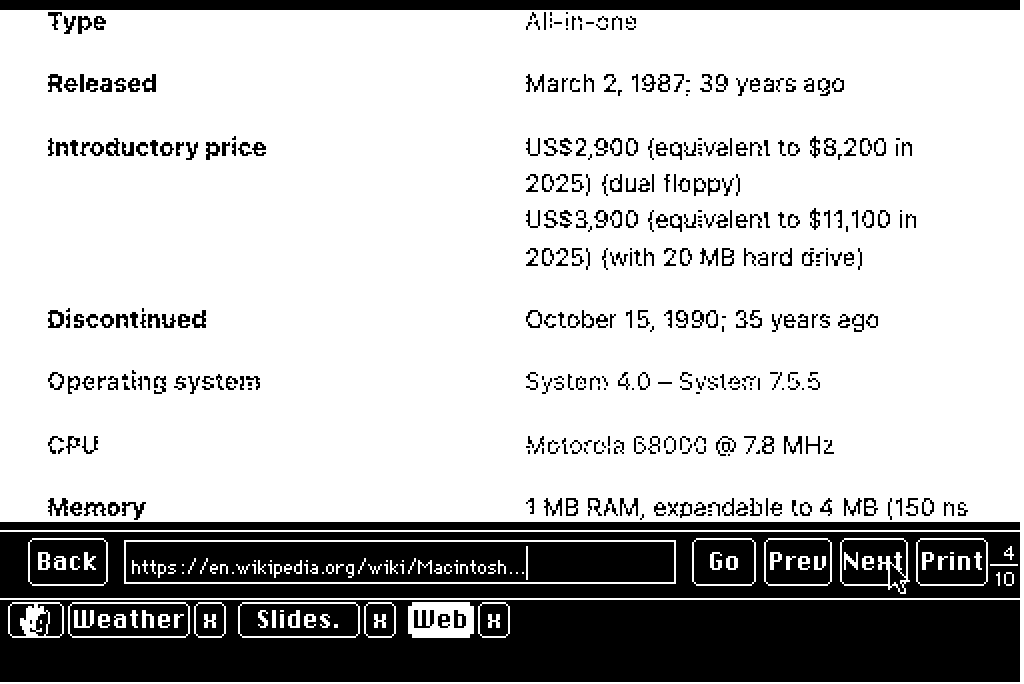
The server runs a headless Chromium, lays the page out at phone width, rasterizes it, and dithers it into strips 512 pixels wide. The SE pages through them with Next and Prev. Tap a link inside a strip and the click goes back to the real page. When a page focuses an input, a live Macintosh text field appears over it, so you can type into a search box on a machine from 1987 and press Return.
Wikipedia is genuinely readable this way. Long pages arrive in about two seconds.
Beyond the screen
Music. Movies. A receipt printer.
Music
Browse your Plex library on the SE. Tracks download to the Mac's disk and play through its own speaker, with album art dithered to 96 pixels. Play Album spools the next track while the current one plays, so the handoff is instant.
Movies
Films are transcoded on the server into 1-bit reels and played from disk. Ninety-one minutes fits. A 1987 CRT showing a movie is a strange and beautiful thing.
Paper
Every page has a Print button. It rasterizes at 512 dots, exactly the SE's width, and comes out of a thermal receipt printer beside the machine. The printer is driven by a Pico W in a small box with one button. The box updates its own firmware from the server.
PRINTED 09/03/26 5:42 PM
* * *


The operator
Meet Palmer.
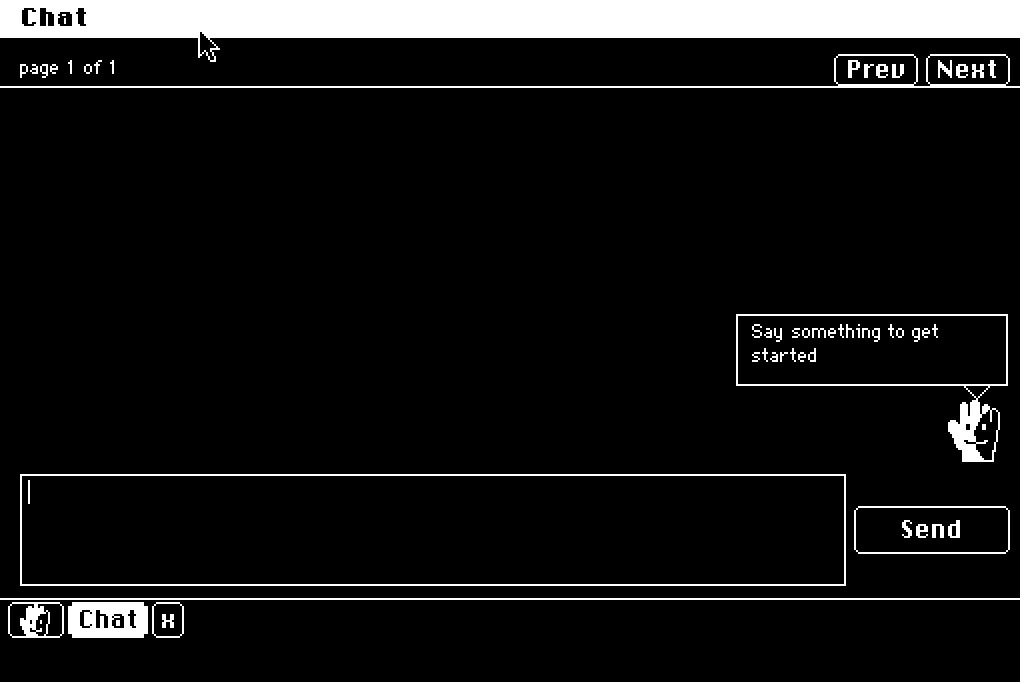
Palmer is the AI that operates HandWare.
He stands in the corner of the chat with a speech balloon, in the style of System 7's Balloon Help, the 1991 original. Ask him to change an app and he revises it in place. When he puts on the hard hat, he is writing real 68k C, compiling it with Retro68, and handing you a native Macintosh program.
Hardware
What it takes.
One old Macintosh, one modern SD card that thinks it is a network card, and a small computer that is always on.
- Machine
- A Macintosh SE with 4 MB of RAM and System 7.1. Any 68000 Macintosh with 2.5 MB and a BlueSCSI should do. The SE is the one it was built on, and tested on, on a desk in Jacksonville.
- Network
- A BlueSCSI v2 with a Pico 2 W. The Mac believes it has a 1991 DaynaPORT Ethernet card. It sustains about 60 KB per second, which is more than a display list will ever need. A one-line firmware patch keeps the radio awake.
- Server
- Any always-on machine on your LAN. Here it is a Mac Mini, running Python. It holds the apps, does the hit-testing, dithers the photos, typesets the pages, and never lets an unvalidated byte reach the Mac.
- Model
- DeepSeek v4 flash with reasoning off, through OpenRouter. A few seconds per screen. Well under a dollar a week.
- Updates
- Over the air. File, Install Update, Restart. The last time an SD card had to be pulled from the machine was August 31.
- Optional
- Plex, for music and movies. A thermal receipt printer, for paper.
Build log
Five weeks, in order.
From a telnet prompt to a web browser. Every line here ran on the real machine.